Part of: Quotes and leads you never followed up
Follow-ups
Quotation follow-up email: templates for industrial and MRO distributors
For distributors who want the day 2, day 7 and day 14 notes to leave on their own after the quote goes out.
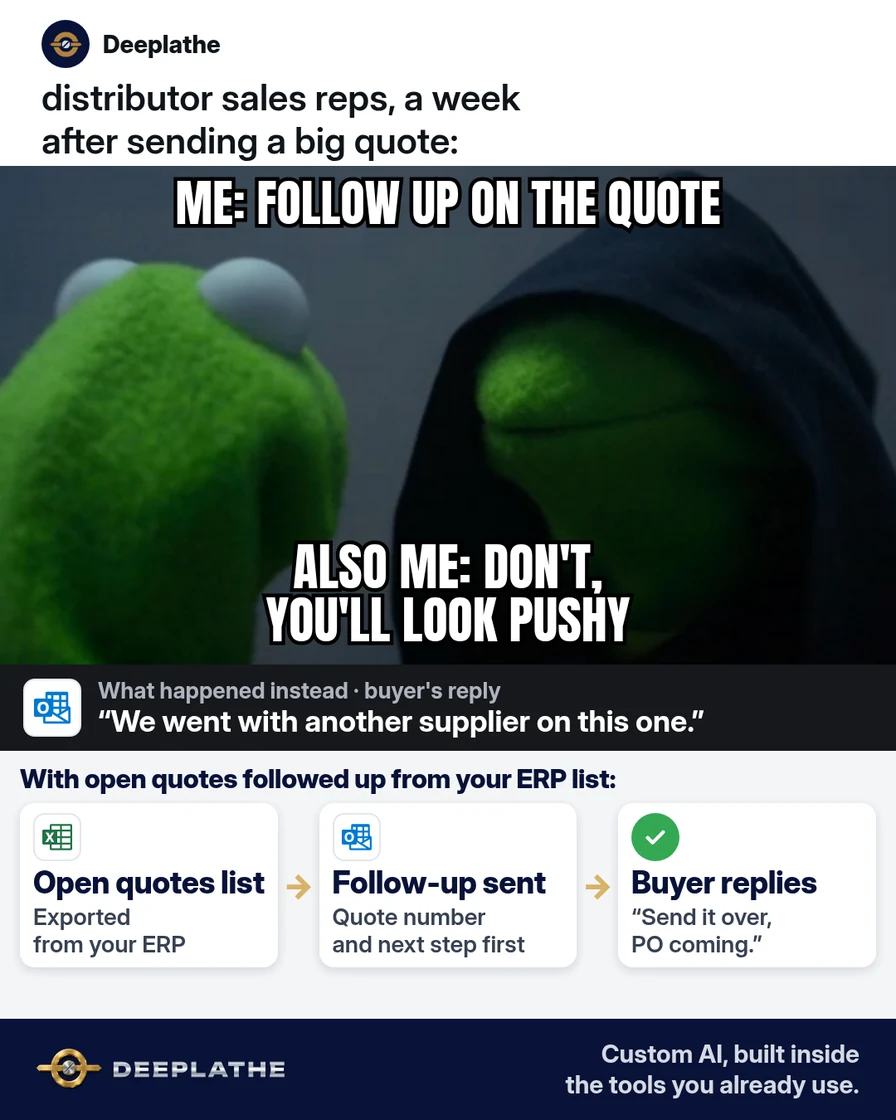
A quote for bearings and seals went out this morning. The pricing is fine and the shelf has the stock. Nine days from now a buyer will say the order went to the supplier who wrote back. The follow-up was going to be written on the day someone remembered.
The short answer
Save the follow-up text once. On the day the quote goes out, schedule a note for day 2, day 7 and day 14. Outlook and Gmail send those notes at the times you set. When the quote is accepted, QuickBooks Online can create the invoice from the estimate, and automatic reminders cover invoices you email.
Floor vote
What happens to a quote after it goes out?
One vote per device. Change it any time.
Loading votes…
Set it up once (10 minutes)
- Save these three notes as the follow-up text. In Outlook, open the Message tab and use My Templates (or Apps). In Gmail, save them as templates.
Day 2
Hi [first name],

Quote [number] for [items] is in your inbox. Pricing on it holds until [date].

Is the quantity the one you want?

[your name]
Day 7
Hi [first name],

Quote [number] is still open here. If a different pack size or a split shipment would help, name the line.

Should I hold the quote as it stands?

[your name]
Day 14
Hi [first name],

Quote [number] has been open for two weeks. I can keep it open, or I can close it.

Which should I do?

[your name]
- When the quote email goes out, fill the blanks on that same thread and schedule all three. In Gmail, use the arrow beside Send and choose Schedule send: day 2, day 7 and day 14. In new Outlook and in Outlook on the web, Schedule send works the same way. The message waits in Drafts and goes out at the time you picked.
- In classic Outlook, use Delay Delivery for those three times. The message waits in the Outbox. Outlook has to be open and running for it to leave.
- After the buyer accepts, open the estimate in QuickBooks Online and create the invoice from it. Then turn on reminders: Gear, Account and settings, Sales, Reminders, Edit, Automatic invoice reminders. On QuickBooks Online Advanced, use Manage workflows.
Written on day 0
- Day 0Schedule all threeTemplates filled when the quote goes out.
- Day 2QuantityScheduled that morning.
- Day 7One optionScheduled that morning.
- Day 14Keep or closeScheduled that morning.
What runs by itself afterwards
Day 2, day 7 and day 14, the note you wrote on day 0 goes out on its own. You write it while the quote is in front of you, and the mailbox holds the send. After you email the invoice, QuickBooks sends the invoice reminders you turned on.
Limits. If the buyer answers before a later note is due, cancel the messages still waiting. In new Outlook and on the web they are in Drafts. In classic Outlook they are in the Outbox, and they leave only while Outlook is running. In new Outlook, Schedule send is unavailable on IMAP or POP accounts. Gmail sends in the time zone you scheduled, sometimes a few minutes after the time you picked, and an account can hold up to 100 scheduled emails. Automatic invoice reminders apply only to invoices you email. Creating the invoice from the estimate is the step you take when the quote is accepted.
Field check
Field check
Three questions. Honest answers. No score sent anywhere but this page.
01 / 03
When do you write the day 2, day 7 and day 14 notes?
FAQ
When do I write the three follow-ups?
On the day the quote goes out. Schedule day 2, day 7 and day 14 before you leave the thread.
Where does Outlook keep a scheduled note?
New Outlook and Outlook on the web keep it in Drafts and send it on time. Classic Outlook Delay Delivery keeps it in the Outbox, and Outlook must be running.
What does Gmail use?
Templates for the text, and Schedule send for day 2, day 7 and day 14.
What happens in QuickBooks after a yes?
Create the invoice from the estimate. Automatic invoice reminders (Gear, Account and settings, Sales, Reminders, Edit) then cover invoices you email. QuickBooks Online Advanced uses Manage workflows.
Keep these
- Save the three notes once, in My Templates or in Gmail templates.
- Schedule day 2, day 7 and day 14 when the quote goes out.
- New Outlook and the web hold the send in Drafts. Classic Delay Delivery holds it in the Outbox.
- After a yes, invoice from the estimate, then automatic reminders on emailed invoices.
If you want the schedule kept inside the mailbox you already send from, Deeplathe can set that up once.
Sources
- Microsoft: Delay or schedule sending email messages in Outlook
- Gmail Help: Schedule emails to send
- QuickBooks: Send invoice reminders automatically or manually
Related reading
Keep these
The working rules
Save the follow-up text once. On the day the quote goes out, schedule day 2, day 7 and day 14. After acceptance, create the QuickBooks invoice from the estimate and let automatic reminders cover emailed invoices.